





Content Management System
Introduction: Why Choosing the Right CMS Matters
Creating a successful website starts with choosing the right content management system (CMS). A CMS allows you to create, edit, organize, and publish website content without needing advanced coding skills. Whether you are building a business website, a personal blog, or an online store, the right platform can make website management easier and more efficient.
1. Understand Your Website’s Goals
Before selecting a CMS, identify what you want your website to achieve. A business website may need service pages and lead-generation forms, while a blog requires strong publishing tools. An e-commerce website needs product management and secure payment options. Choosing a CMS that matches your goals helps you avoid unnecessary features and future complications.
2. Look for an Easy-to-Use Interface
A CMS should simplify website management rather than make it more complicated. Look for a clean dashboard, straightforward editing tools, and an intuitive content editor. If you plan to update your website regularly, an easy-to-use platform will save time and reduce your dependence on technical support. Beginners should prioritize simplicity without sacrificing essential functionality.
3. Check Customization and Design Options
Your website represents your brand, so its design should reflect your identity. Choose a CMS that offers customizable themes, flexible layouts, and control over fonts, colours, and page structure. Website customization allows you to create a professional appearance that stands out from competitors. Make sure the platform supports your design requirements without requiring expensive development work.
4. Evaluate SEO-Friendly Features
Search engine optimization helps potential customers discover your website. A good CMS should support customizable page titles, meta descriptions, clean URLs, image alt text, and XML sitemaps. It should also allow you to manage redirects and organize content using headings. These features make it easier to implement an effective website SEO strategy and improve the accessibility of your content.
5. Consider Website Speed and Performance
Website speed affects user experience and can influence search performance. A slow website may frustrate visitors and encourage them to leave before exploring your content. Choose a CMS that supports efficient page loading, optimized images, caching, and reliable hosting options. Avoid installing unnecessary plugins or features that could affect performance.
6. Review Security and Maintenance
Website security should never be overlooked. Look for regular platform updates, secure login options, backup facilities, and support for SSL certificates. If your website collects customer information, payment details, or contact forms, security becomes even more important. A dependable CMS helps you manage risks while protecting your website and its visitors.
7. Compare Pricing and Long-Term Costs
Some CMS platforms are free to use, while others require monthly subscriptions or additional service fees. However, the initial price does not always reflect the total cost of ownership. Consider hosting, premium themes, plugins, domain registration, maintenance, and developer support. Compare the complete cost of running your website before making a final decision.
8. Check Integrations and Scalability
As your business grows, your website may need email marketing tools, analytics, customer relationship management software, or e-commerce integrations. Choose a CMS that works with the tools you already use and can accommodate future requirements. A scalable platform helps you expand your website without rebuilding everything from scratch.
9. Explore Support and Community Resources
Even user-friendly platforms can present challenges. Before committing, check whether the CMS offers official documentation, tutorials, customer support, or an active user community. Reliable resources can help you resolve technical problems, learn new features, and maintain your website with greater confidence.
10. Choose a CMS That Fits Your Needs
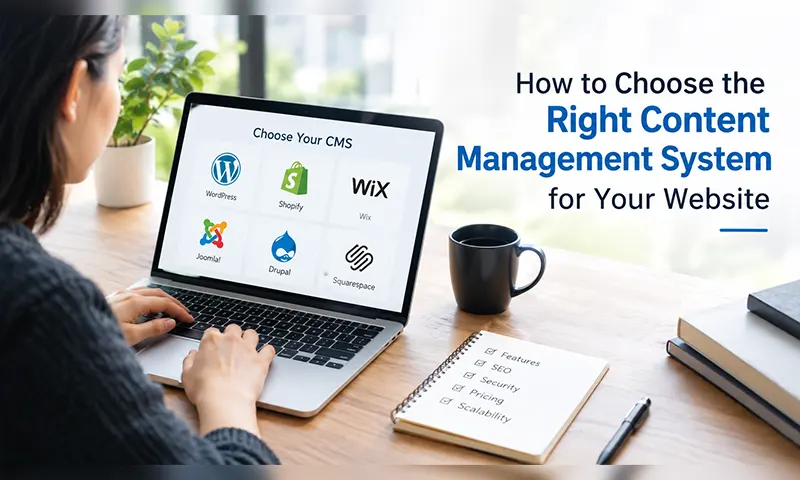
Popular options include WordPress for flexible websites and blogs, Shopify for online stores, and Wix for beginners who prefer a visual website builder. Each platform has different strengths, limitations, and pricing structures. Compare them based on your goals, technical skills, budget, and expected growth rather than choosing one simply because it is popular.
Conclusion: Make a Smart CMS Decision
Choosing the right content management system is an important step toward building a successful website. Focus on usability, customization, SEO features, performance, security, pricing, and scalability before making your decision. The best CMS is the one that supports your current needs while allowing room for future growth. By evaluating your options carefully, you can build a professional, manageable, and effective website that serves your audience and strengthens your online presence.